
Create Your TourBots Account and Choose the Right Plan
Step-by-step setup for creating an account, understanding Free vs Pro, and planning additional space and message add-ons.
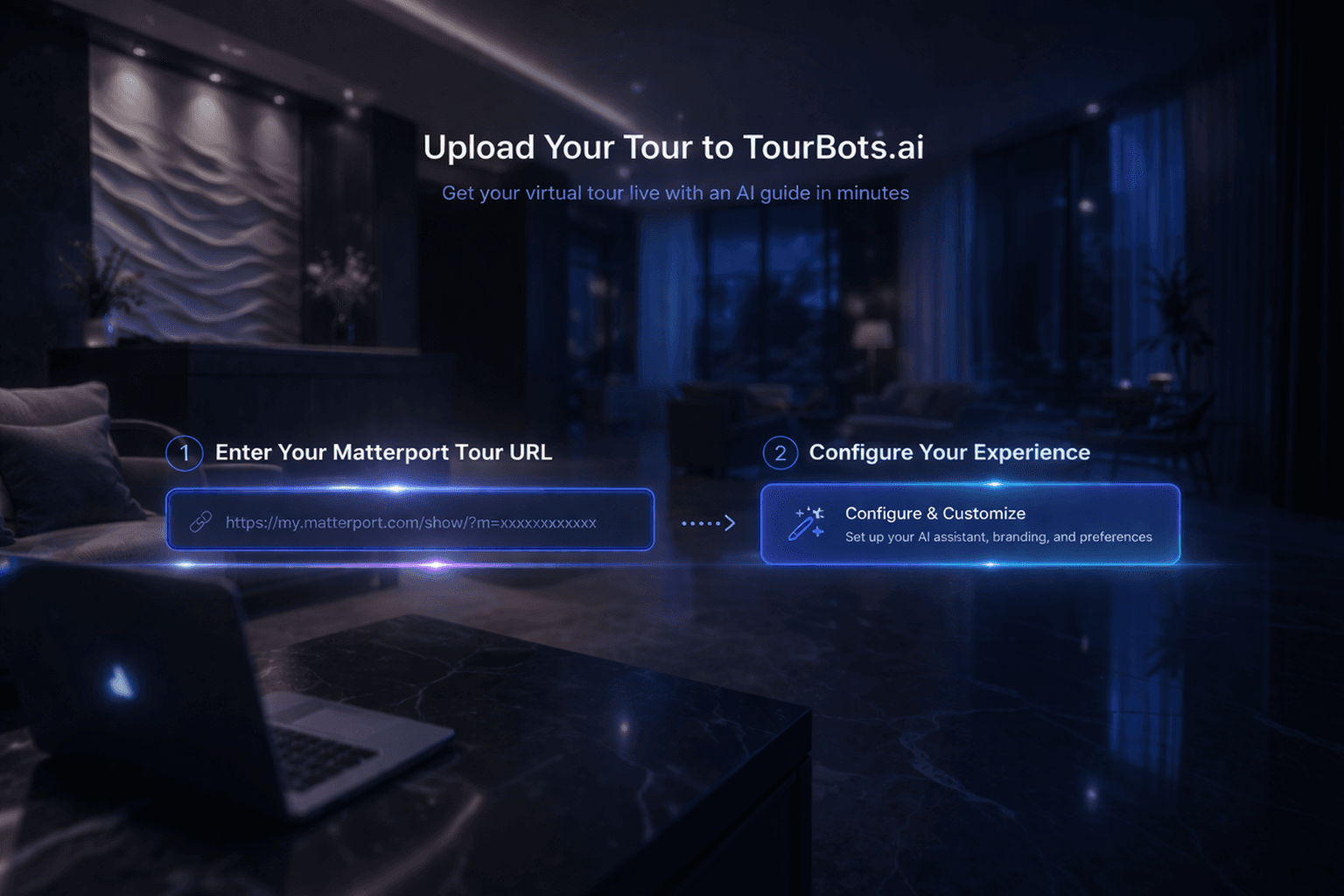
What this guide covers
This guide explains exactly how to create a TourBots account, activate your first space, and choose the right commercial setup for your team.
1) Create your account
- Open the TourBots website.
- Click Account in the top navigation.
- Complete account registration and verify your details.
- Sign in and continue to your workspace.
The Free plan is designed for testing and validation before live rollout.
2) Understand Free vs Pro
Free plan
- One test tour
- AI setup and training tools
- Up to 25 total messages
- No card required to start
Use this to confirm your workflow, content quality, and internal sign-off.
Pro plan
- First active space included
- 1,000 chatbot messages included
- AI Q&A and guided navigation
- Lead capture and dashboard analytics
Use this when you are ready to run a live production space.
3) Upgrade when ready
When your test setup is complete:
- Go to the pricing section from the main site.
- Select Go Pro.
- Complete checkout and return to your workspace.
After upgrade, you can publish and operate your first active space.
4) Add extra capacity with add-ons
As your account grows, capacity is extended through add-ons:
- Additional space: billed per extra active space, per month
- Message top-up block: add extra monthly message capacity
- White-label add-on: available for teams that need an unbranded experience
This model lets you scale account value without changing core workflows.
5) Recommended rollout path
- Start on Free and validate one tour flow.
- Upgrade to Pro for your first live space.
- Add extra spaces as your portfolio expands.
- Add message top-ups when traffic requires it.
Final note
Keep your first rollout focused and measurable. Once your initial space performs well, scale by adding spaces and capacity in controlled steps.