
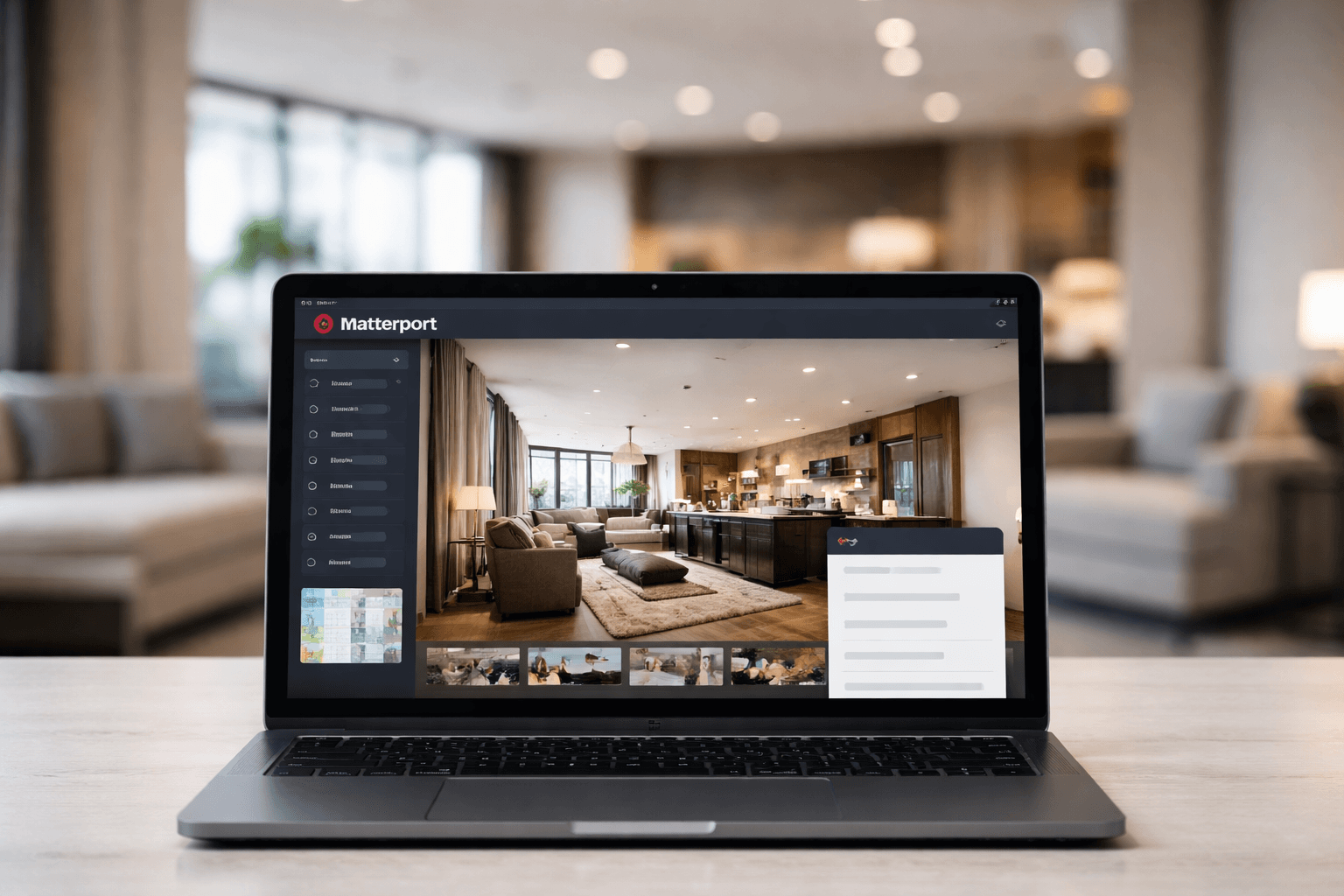
How to Add AI to Matterport Tour
A practical implementation guide for adding an AI chatbot to a Matterport tour, from setup to embed and go-live checks.
Why teams search this
If you are searching for how to add an AI chatbot to a Matterport tour, you usually need three outcomes fast:
- launch quickly without a rebuild
- keep the visitor journey smooth
- capture measurable engagement and leads
This guide walks through a practical deployment path used in TourBots.
1) Connect your Matterport tour
Start in your Tour setup flow and connect the Matterport model as the primary space.
For multi-area experiences, add secondary models under the same tour where needed. This keeps one visitor experience while allowing model-level context.
2) Create the chatbot for that tour
Open Chatbots, select the same tour location, and create the tour chatbot configuration:
- chatbot name
- welcome message
- instruction prompt
- guardrails and response scope
This ensures the assistant responds with tour-relevant context rather than generic answers.
3) Add knowledge content the bot can trust
Upload your core source files into the chatbot documents section:
- FAQs
- feature and package details
- access and location information
- sales and booking process notes
Keep files concise and current. Accuracy and structure matter more than file volume.
4) Configure guided movement (optional, high impact)
If you want the chatbot to move visitors through spaces:
- Create navigation points in the tour.
- Name points clearly by area intent.
- Add triggers so relevant visitor questions can launch point-based movement.
This is where the experience shifts from static Q&A to guided discovery.
5) Embed tour + chatbot on your website
Use your share and embed flow to publish the live experience in your site.
Best practice:
- deploy in a page section with clear CTA context
- verify responsive behaviour on mobile and desktop
- test domain and loading behaviour before public launch
6) Run a short go-live QA cycle
Before launch, test:
- five common visitor questions
- one high-intent conversion question
- one movement trigger question
- one fallback question outside scope
Confirm answer quality, movement behaviour, and analytics capture.
Common mistakes to avoid
- Embedding before validating chatbot prompts
- Uploading unstructured documents with conflicting answers
- Missing navigation-point naming standards
- Launching without post-launch analytics review
Final takeaway
Yes, you can add an AI chatbot to a Matterport tour without rebuilding your site.
The strongest deployments combine accurate knowledge, guided navigation, and disciplined go-live testing so the tour behaves like a conversion channel, not just a visual asset.