
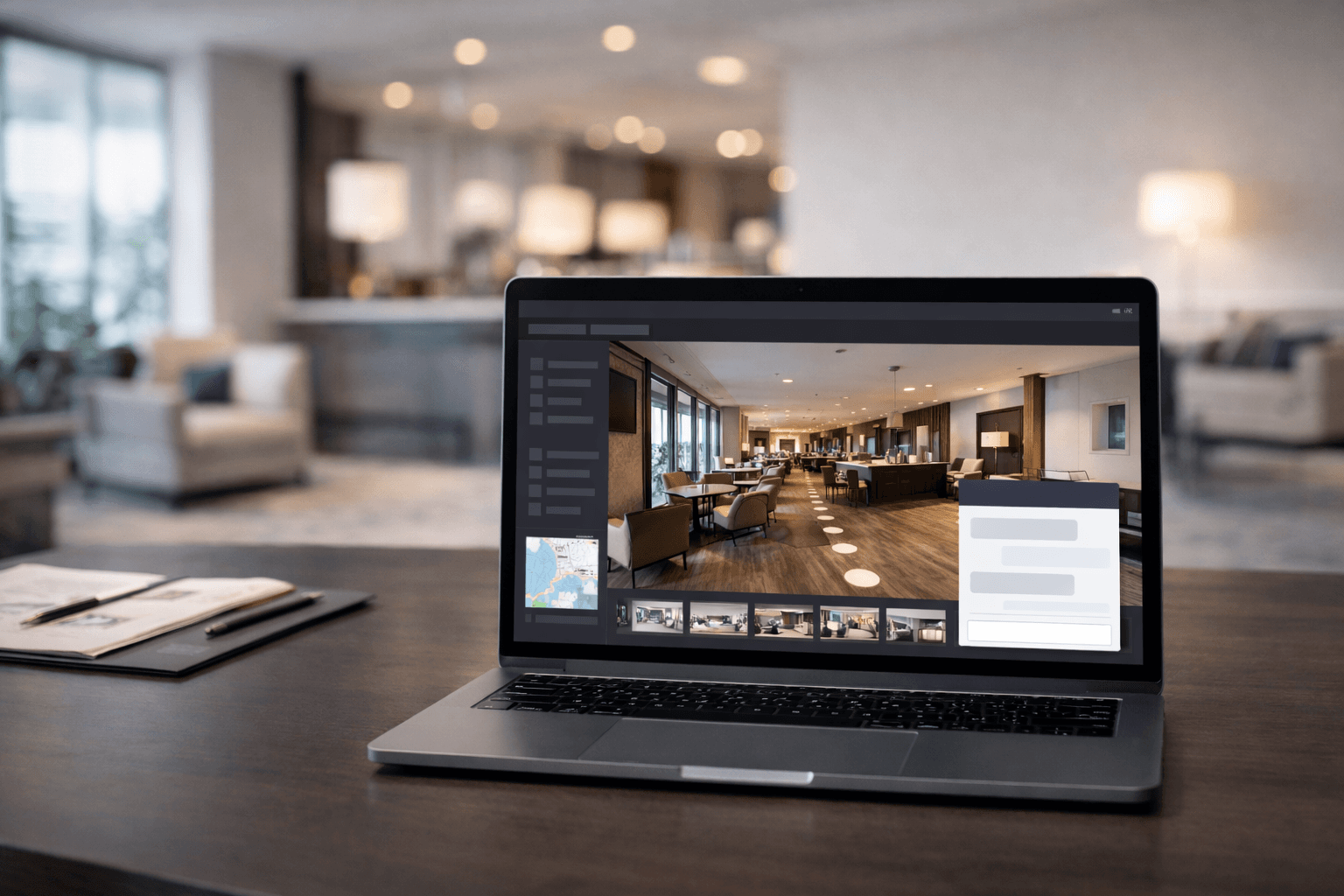
How Do I Add AI to My VR Tour?
A practical guide for turning a static VR tour into an AI-guided journey that answers questions, captures intent, and converts more visitors into qualified enquiries.
Why this feels daunting at first
If you are asking, how do I add AI to my VR tour?, you are usually trying to solve more than one problem at once.
You want a smoother user journey, faster answers for visitors, and better conversion from tour traffic. At the same time, you do not want to rebuild your website, manage a complex AI stack, or introduce delivery risk.
That combination is exactly why implementation can feel daunting.
What "adding AI" should actually deliver
For most operators and agencies, success is not simply placing a chatbot icon on screen.
A strong AI-enabled VR tour should:
- guide visitors through the right spaces based on intent
- answer commercial and operational questions in real time
- capture lead signals without disrupting the experience
- move users towards a clear next action
When these outcomes are in place, the tour becomes an active growth channel rather than a passive showcase.
A practical rollout path
Use this sequence to reduce complexity and launch confidently.
1) Start with your user journey, not the technology
Map the journey from first click to enquiry:
- What does a new visitor need in the first 30 seconds?
- What questions appear before trust is established?
- Which moments show high buying intent?
- Where should the call-to-action appear?
Designing these steps first prevents a disconnected AI experience.
2) Structure your AI knowledge base
Your assistant can only perform as well as the information it receives.
Prioritise:
- FAQs and common objections
- package, pricing, and availability detail
- location and access information
- proof points and credibility content
- booking and sales process guidance
Keep content concise, accurate, and aligned to your commercial positioning.
3) Add guided navigation behaviour
If your tour supports movement, configure navigation points and intent triggers so the assistant can guide users to relevant areas.
This is where the experience shifts from generic Q&A into guided discovery.
4) Deploy with simple embed code
Once configured, publish your tour and chatbot experience via a straightforward embed snippet on your site.
This allows you to launch quickly without rebuilding your front-end architecture.
5) Track and optimise weekly
Review performance each week:
- unanswered or weak-response questions
- high-intent prompts and conversion moments
- drop-off points in the journey
- differences by audience segment
Small improvements each week compound into stronger conversion over time.
Build it yourself vs use a hosted platform
You can build a bespoke stack, but teams often underestimate the operational overhead:
- model and prompt management
- response quality control
- lead and analytics integration
- publishing workflow and governance
- ongoing maintenance
For many teams, a hosted platform is faster and lower risk.
Why teams choose TourBots AI
TourBots AI gives you the core system ready out of the box:
- a simple platform tailored to AI-powered virtual tours
- guided setup for chatbot behaviour and knowledge content
- agency portal workflows for multi-client or multi-site delivery
- clean embed deployment for fast go-live
If you are a tour operator, this means quicker rollout with less technical lift.
If you are an agency, it gives you a repeatable delivery model that can scale.
Final takeaway
Adding AI to a VR tour does not need to be a heavy custom engineering project.
Start with the user journey, configure high-quality knowledge, deploy with a simple embed, and optimise based on real visitor behaviour.
If you want the shortest path to a production-ready setup, a hosted platform such as TourBots AI can handle the complexity for you while keeping the experience tailored to your brand and commercial goals.